GTO poker trainer: practice and review your decisions
Choose a library scenario for prepared practice, or solve a custom spot and play against its strategy. Free accounts receive 10 library training hands each day. Check your plan for other features and allowances.
Start free ↗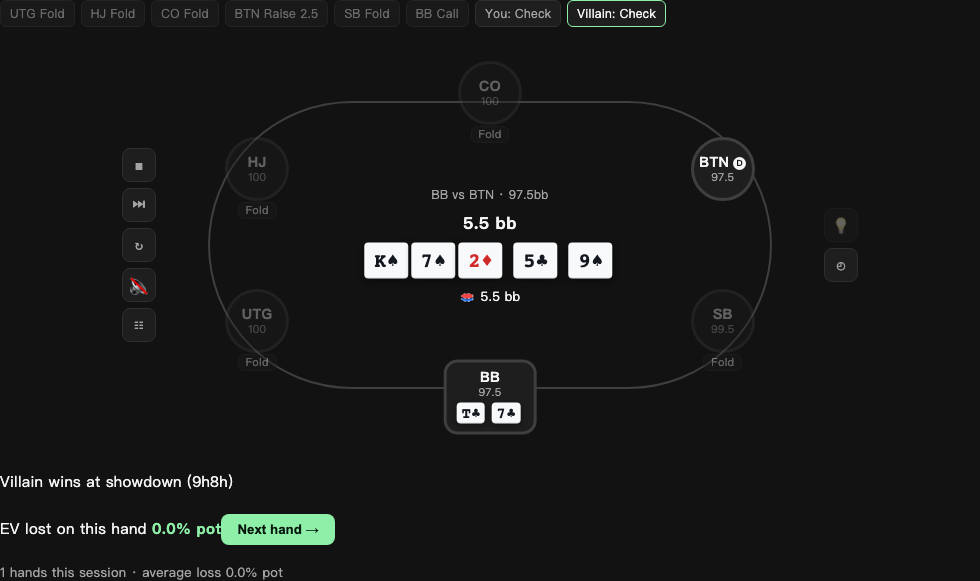
Poker study guides
Start with one question. Follow a real workflow, check its assumptions and choose your next exercise.
Two ways to practice
The library starts from a scenario already solved by the server’s offline farm. Select from the available positions, pot types and boards. Coverage varies by scenario; the current public library focuses on 100bb heads-up postflop games.
For a spot outside that library, use custom training: configure ranges and the board, solve locally, then deal a hand. Available scenarios and boards are listed in the app.
Play, inspect, then repeat
Choose an action before revealing the strategy hint. Inspect the frequencies for the actual combination you hold and the feedback after your decision. Review completed hands to separate a bad outcome from a questionable choice.
For example, losing at showdown after calling does not prove the call was wrong. Compare the action with the configured strategy and the alternatives, not only the result of one runout.
Understand the score
The current custom trainer accepts actions present in the solved mix; a lower-frequency action is not charged as a mistake merely for being less common. Numerical accuracy and the range assumptions still matter.
Enable mistake logging to keep costly decisions locally. Training records and the local mistake book are not advertised as a cross-device synced queue.
What upgrading changes
Pro and Elite remove the daily limit for training in the available library. They do not make an unavailable board or stack-depth scenario exist.
Pro includes 100 AI coach explanations per month; Elite includes 500. The coach explains decisions separately from the solver’s numerical calculation.